Help Article
How do I delete, rename or change the parameters of my analytics campaign?
You can rename your campaign or change settings at any time:
1. Click on Projects.
2. Click on the campaign you would like to edit.
3. Click Edit.

4. Update any settings needed, and click Update Campaign.
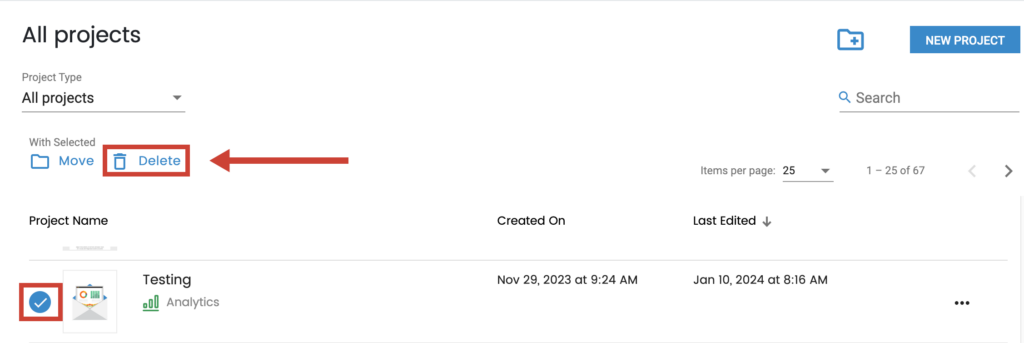
To delete a campaign:
1. Click on Projects.
2. Click the circle in front of the project, and click Delete.